Hive ACP v0.1.0: Multi-Agent Orchestration and Multi-Provider Support
by Hugo Hernández Valdez
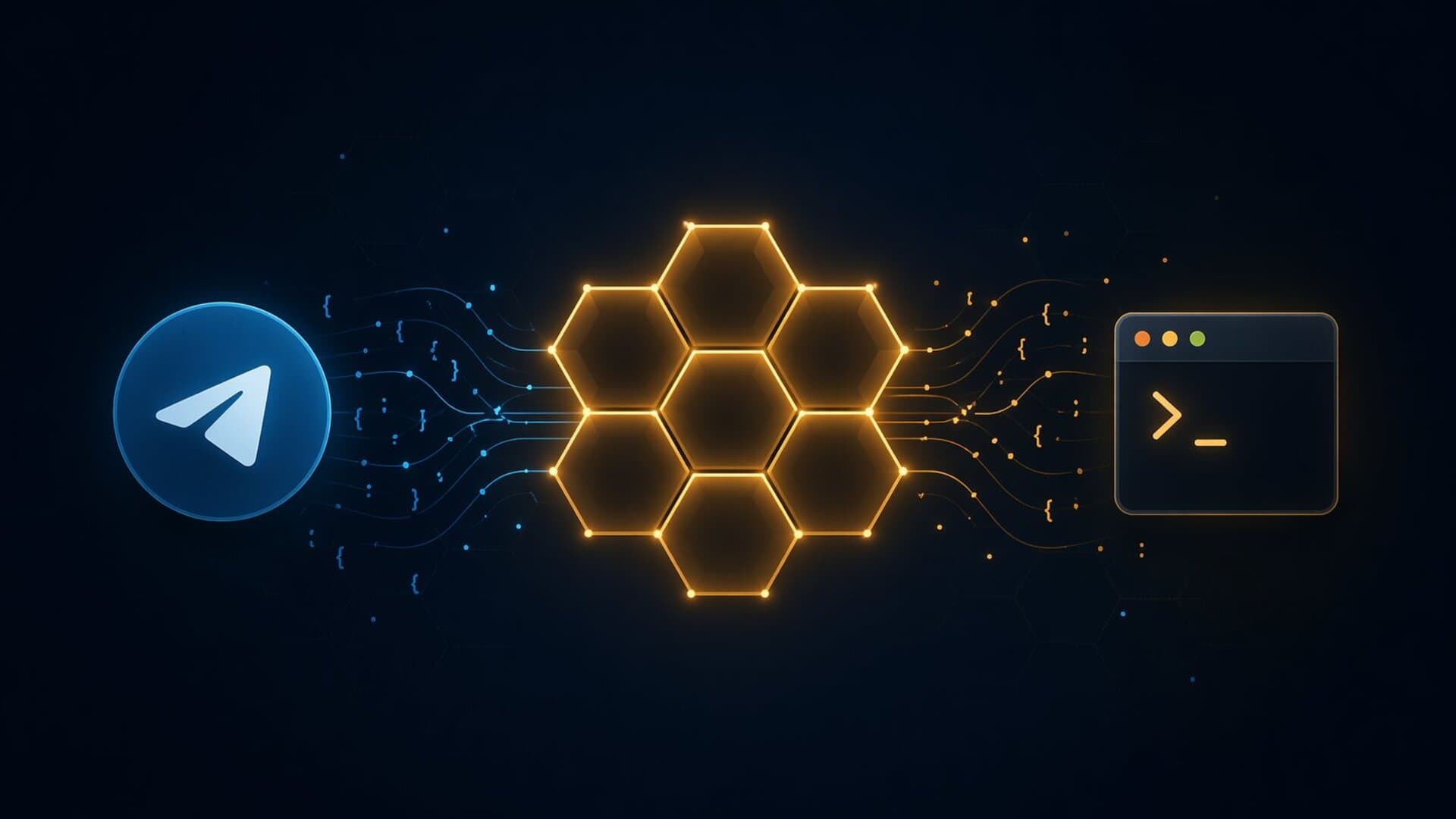
From one agent to a swarm
In part one I built hive-acp: a bridge connecting an AI agent to Telegram using ACP and MCP. One agent per chat, context persistence, and 5 MCP tools. It worked, but had a fundamental limitation: everything depended on a single agent doing all the work.
A week later, the project changed completely. It's now an orchestration system where multiple agents from different providers (Kiro, OpenCode) work in parallel, coordinated by an orchestrator that delegates tasks and reports results. This article covers how I got there.
The single-agent problem
With one agent handling everything — code, reviews, planning, general questions — two things happened:
- Timeouts: Long tasks (code analysis, report generation) blocked the agent for minutes. If it hung, the entire bot stopped responding.
- No specialization: The same agent writing code also answered "hello". There was no way to optimize prompts by task type.
The solution was obvious: an orchestrator that delegates to specialized subagents. But implementing it required solving several architectural problems.
Multi-agent orchestration
JobManager
The JobManager is the heart of orchestration. It receives tasks, spawns subagents in parallel, and emits progress events:
const job = jobManager.dispatch(chatId, [
  { agent: "hiveacp-coder", task: "Implement function X" },
  { agent: "hiveacp-reviewer", task: "Review the code in src/index.ts" },
]);
Each task runs in an isolated process. If one subagent hangs, the others keep working. The orchestrator receives results as [SUBAGENT RESULT] and synthesizes them for the user.
Real-time visibility
While subagents work, the user sees progress in Telegram:
🤖 hiveacp-coder
⚙️ read
⚙️ grep
✅ write
Each tool the subagent uses appears on a separate line with a status icon. The message updates in real time and is deleted when the subagent finishes.
The complete flow
Multi-provider: Kiro + OpenCode together
The most interesting change was making agents from different providers work together. An OpenCode orchestrator can dispatch tasks to Kiro subagents, and vice versa.
ProviderRegistry
The ProviderRegistry maps agent names to their providers:
const registry = new ProviderRegistry();
registry.addProvider("kiro", kiroProvider());
registry.addProvider("opencode", opencodeProvider());

// Kiro agents
registry.addAgent("hiveacp-coder", "kiro", "Writes code");
registry.addAgent("hiveacp-reviewer", "kiro", "Reviews code");

// OpenCode agents (from agents.json)
registry.addAgent("opencode-coder", "opencode", "Coder with OpenCode");
When the JobManager dispatches a task, it resolves the agent's provider from the registry and spawns the correct process. The orchestrator doesn't need to know which provider each subagent uses.
The OpenCode challenge
Kiro supports --agent <name> to select an agent via CLI. OpenCode doesn't — its agents are defined as Markdown files in ~/.config/opencode/agents/ with no selection flag.
The solution: an agentFlag field on CliProvider. If the provider has it, the AcpClient passes the flag. If not, the agent's instructions are read from the .md file and prepended to the task prompt:
// Kiro: --agent hiveacp-coder
const args = ["acp", "--trust-all-tools", "--agent", agentName];

// OpenCode: instructions in the prompt
const taskText = `[AGENT INSTRUCTIONS]\n${instructions}\n[END INSTRUCTIONS]\n\n${task}`;
HIVE_ORCHESTRATOR
Instead of choosing a "provider" (HIVE_PROVIDER=kiro), you now choose which agent is the orchestrator:
HIVE_ORCHESTRATOR=opencode-orchestrator  # uses OpenCode
HIVE_ORCHESTRATOR=hiveacp-orchestrator   # uses Kiro
The system resolves the provider automatically from the registry.
Agent registry
How does the system know which agents exist and which provider each one uses? Everything is defined in a centralized file ~/.hive-acp/agents.json:
[
  { "name": "hiveacp-coder", "provider": "kiro", "description": "Writes code" },
  { "name": "hiveacp-reviewer", "provider": "kiro", "description": "Reviews code" },
  { "name": "opencode-coder", "provider": "opencode", "description": "Coder with OpenCode" }
]
At startup, the ProviderRegistry reads this file and maps each agent to its provider. When the orchestrator calls agent_list, it gets the full list. When it dispatches a task to opencode-coder, the registry resolves that it should use the OpenCode provider.
Initially the system auto-discovered agents by reading files from ~/.kiro/agents/ and ~/.config/opencode/agents/. But that caused problems: agents that weren't part of hive-acp showed up (like personal assistants), and there was no way to control what was exposed to the orchestrator. A centralized file is more predictable — only what you explicitly register appears.
To create a new agent there's an interactive CLI:
npm run create-agent
It asks for name, description, prompt, skills, and provider. Creates the file in the correct folder (JSON for Kiro, Markdown for OpenCode) and registers it in agents.json automatically.
ChatAdapter: platform-agnostic
The biggest refactor was decoupling everything from Telegram. Before, screenshot and image tools imported grammy directly. Now they use a ChatAdapter interface:
interface ChatAdapter {
  getActiveContext(chatId?: number): ChatContext | null;
  sendResponse(chatId: number, text: string): Promise<void>;
  sendPhoto(chatId: number, filePath: string, caption?: string): Promise<void>;
  sendFile(chatId: number, filePath: string, caption?: string): Promise<void>;
  bindJobManager(jobManager: JobManager, pool: AcpPool): void;
  start(): void;
  stop(): void;
}
TelegramAdapter implements this interface. Adding Slack or Discord means creating another adapter — without touching tools, orchestration, or business logic.
Where grammy ended up
After the refactor, grammy is only imported in two files inside src/adapters/chat/telegram/. Everything else works with ChatAdapter.
Knowledge graph
Each conversation extracts facts as subject-predicate-object triples and persists them to disk:
acme-api | uses | PostgreSQL
atlas | has | SendGrid integration
chronos | needs | i18n fix
Triples are injected as context when creating a new session or dispatching a task to a subagent. Three MCP tools let the agent (or user) manage memory:
memory_search— search for factsmemory_add— add a factmemory_forget— forget matching facts
Adaptive streaming
Streaming to Telegram was the buggiest area. Telegram isn't a DOM — it has rate limits, editMessageText fails silently if content hasn't changed, and Telegram Markdown is a limited subset.
Problems I found
- Undelivered messages: The buffer filled but the debounce didn't fire before turn end.
streamMsgIdwas reset to null and the message was lost. - Duplicated text: OpenCode doesn't emit
TurnEnd, so chunks from multiple turns concatenated into one buffer. - Broken Markdown: The agent used
**bold**(standard) but Telegram needs*bold*. It also escaped characters for MarkdownV2 that don't apply in v1.
Solutions
Adaptive debounce: 400ms when there's little text (fast feedback), 1200ms as the buffer grows (fewer edits, less rate limiting).
Auto-split: When the buffer exceeds 3000 characters, the current message is finalized with Markdown and a new one starts. Avoids Telegram's 4096 character limit.
Markdown normalization: toTelegramMd() converts **bold** to *bold* and strips MarkdownV2 escapes, respecting code blocks.
Turn detection for OpenCode: When an agent_message (fullMessage) arrives, turn_message is emitted automatically — solving the problem for providers that don't emit TurnEnd.
Client recycling: If an agent times out or dies, it's killed and removed from the pool. The next message creates a fresh one automatically.
New MCP tools
From 5 tools to 13:
| Category | Tools |
|---|---|
| Telegram | telegram_send_file, telegram_react |
| Context | context_save, context_show, context_clear |
| Memory | memory_search, memory_add, memory_forget |
| Orchestration | agent_list, agent_dispatch, agent_job, agent_cancel |
| Screenshot | screenshot_url |
| Images | images_search |
| Terminal | terminal_execute |
Each category is an independent module that registers its tools and execute function. Adding a new one means creating a file and registering it in index.ts.
NdJsonParser: framing with tests
The JSON-RPC stdio parsing was inline in AcpClient — 20 lines accumulating a buffer, searching for newlines, and parsing JSON. I extracted it into an NdJsonParser module with 9 unit tests:
const parser = new NdJsonParser(
  (msg) => handleMessage(msg),
  (err) => log.warn("Parse error: %s", err.message),
);

// Feed raw chunks from stdout
process.stdout.on("data", (chunk) => parser.write(chunk));
Tests cover: complete lines, partial chunks, multiple messages in one chunk, empty lines, invalid JSON, Buffer input, splits across writes, reset, and trailing data without newline.
Final structure
src/
├── index.ts
├── acp/
│   ├── client.ts              # ACP JSON-RPC client (stdio)
│   ├── framing.ts             # NdJsonParser module
│   ├── pool.ts                # Client pool with eviction and context
│   ├── registry.ts            # ProviderRegistry
│   └── providers/
│       ├── types.ts           # CliProvider / ResponseParser
│       ├── kiro.ts            # Kiro provider
│       └── opencode.ts        # OpenCode provider
├── adapters/
│   ├── chat/
│   │   ├── types.ts           # ChatAdapter interface
│   │   └── telegram/
│   │       ├── adapter.ts     # Telegram implementation
│   │       └── tools.ts       # Telegram MCP tools
│   ├── context/tools.ts
│   ├── images/tools.ts
│   ├── screenshot/tools.ts
│   └── terminal/tools.ts
├── orchestration/
│   ├── job-manager.ts
│   ├── tools.ts
│   └── types.ts
├── memory/
│   ├── store.ts
│   ├── tools.ts
│   └── types.ts
├── mcp/
│   ├── bridge.ts
│   ├── handler.ts
│   └── types.ts
├── cli/create-agent.ts
├── skills/telegram-formatting/SKILL.md
└── utils/
Lessons learned
-
The orchestrator must not work: The most important rule. If the orchestrator executes tasks itself, it becomes a single point of failure. Delegating everything to subagents keeps it lightweight and resilient.
-
Parsers shouldn't know about presentation: Having Telegram Markdown escapes in ACP parsers was a mistake. The protocol layer should return plain text; presentation is the adapter's responsibility.
-
Streaming to Telegram is a minefield: Rate limits, silently failing edits, incompatible Markdown, race conditions between debounce and turn boundaries. Each bug required specific logs to diagnose.
-
agents.jsonas single source of truth: Auto-discovering agents from multiple directories caused duplicates and unexpected agents. A centralized file is more predictable. -
Tests pay off quickly: Extracting framing into a tested module took 15 minutes. Finding a framing bug without tests would have taken hours.
What's next
- Security: Path traversal in
fs/readTextFile, command injection interminal/execute, input validation in the MCP handler - More adapters: Slack and Discord using the
ChatAdapterinterface - Metrics: Prompt duration, token usage per agent, error rates
- Hybrid streaming: Typing indicator for short responses, streaming only when the response takes more than 3 seconds
Conclusion
In one week, hive-acp went from a single-agent bridge to a multi-provider orchestration system. The most valuable change wasn't a specific feature but the architecture: ChatAdapter to decouple platforms, ProviderRegistry to mix providers, and JobManager to parallelize work.
What started as "I want to use my agent from my phone" became "I want my agents to work together while I'm doing something else". And that fundamentally changes how I interact with AI for development.
The code remains open source at github.com/gouh/hive-acp.
Related posts
Hive ACP: My Alternative to OpenClaw for Connecting AI Agents to Telegram
A technical exploration of hive-acp, a multi-agent bridge connecting an AI agent to Telegram. Covers the architecture, ACP and MCP protocols, context persistence, and lessons learned after two failed attempts.
Scaffolding Typescript API - Part 1
How to create a base structure for an API with TypeScript?