Hive ACP: My Alternative to OpenClaw for Connecting AI Agents to Telegram
by Hugo Hernández Valdez
Introduction
If you work with AI agents for programming, you probably use them from the terminal. That works fine when you're at your computer, but when you need to check something from your phone or delegate a task while you're out, the terminal isn't an option.
There are tools that solve this — OpenClaw is probably the most well-known, an open source autonomous agent that connects to Telegram, WhatsApp and other platforms. But I wanted to build something of my own — a system that understood my workflow, that I could extend with my own tools, and that didn't depend on someone else's framework to function. I didn't want to be a user of a solution, I wanted to be the author.
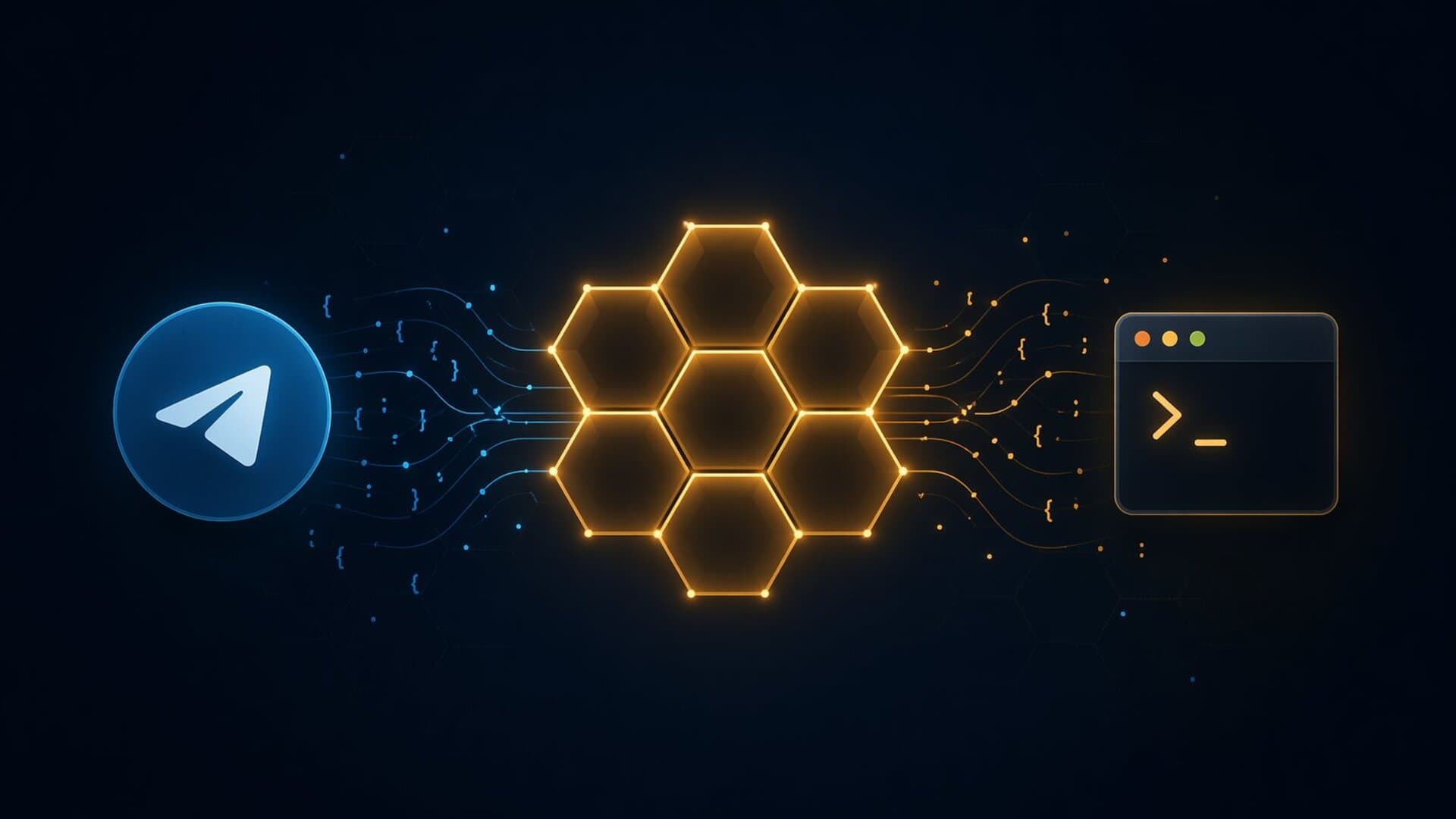
After two failed attempts — an overly ambitious 3D interface and a fragile prototype — I built hive-acp, a bridge that connects an AI agent to Telegram using the ACP and MCP protocols. Each conversation gets its own isolated agent, with context persistence and tools the agent invokes on its own.
This article covers the technical decisions, architecture, and lessons learned during development.
The Problem
AI agents for development are powerful, but they're tied to the terminal:
- Accessibility: You can only use them at your computer
- Concurrency: One process, one conversation at a time
- Persistence: If the process dies, context is lost
- Tools: The agent can't interact with the chat platform (send files, react)
My workflow involved opening the terminal, starting a session, working, and losing all context when closing. If I wanted to check something from my phone, there was no way.
I could have used OpenClaw or another existing tool, but none gave me what I was looking for: full control over the architecture, the ability to add my own connectors, and a tool system that I defined. I wanted to understand every layer of the system, not consume an opaque API.
Previous Attempts
Attempt 1: The Hive (Starfield)
The first idea was a StarCraft-like interface for managing agents. A monorepo with Three.js, React, Hono and SQLite. 30 simultaneous agents with 3D models, colored polygon areas, SSE streaming, installable PWA.
The problem: 90% of the effort went into the 3D interface and 10% into agent communication. Every change in one layer broke the other two. I abandoned it after weeks.
Attempt 2: Direct Telegram Bot
I simplified to a single JavaScript file connecting Telegram to the agent. It worked for one user, but crashed with concurrent messages, had no persistence, and dependencies had 9 vulnerabilities (including request, deprecated since 2020).
It proved the idea made sense, but wasn't reliable.
The Solution: ACP + MCP
What changed everything was understanding two protocols that already existed:
ACP (Agent Client Protocol) — JSON-RPC 2.0 over stdio for communicating with the agent as a child process. Simple, predictable, no custom protocols.
MCP (Model Context Protocol) — Standard for exposing tools to agents. Define tools with JSON schemas, expose them over WebSocket, and the agent discovers and uses them automatically.
The combination solves the problems: ACP as a clean channel to talk to the agent, MCP to give it capabilities over the chat platform. And most importantly — I control both sides.
Technical Architecture
Technology Stack
- TypeScript (ESM)
- grammy (Telegram SDK, 0 vulnerabilities)
- pino (structured JSON logging)
- ws (WebSocket for MCP server)
- dotenv (environment-based configuration)
Why TypeScript?
- Native types: grammy and the JSON-RPC protocol benefit from strict typing
- Ecosystem: The best Telegram libraries are in JS/TS
- Development speed: Fast iteration with
tsx watch - Compatibility: ACP works over stdio, which is language-agnostic
Architecture: Multi-Agent Pool
The most important design decision: each conversation gets its own isolated agent process.
The design has three main components:
-
TelegramAdapter: Receives Telegram messages (text, photos, documents), builds prompts with metadata, and sends responses with format fallback (Markdown, HTML, plaintext).
-
AcpPool: Manages one
AcpClientper chat. Lazy initialization — the process is created on first message. Automatic cleanup after 30 minutes of inactivity. Health checks every minute to detect dead processes. -
MCP Server: WebSocket that exposes tools to the agent. Each adapter registers a
ToolCategorywith its tools andexecutefunction.
Context Persistence
When a process is evicted due to inactivity, the pool asks the agent to generate a conversation summary and saves it to disk as markdown:
private async evict(chatId: number, entry: PoolEntry): Promise<void> {
  const summary = await entry.client.summarize();
  if (summary) {
    this.saveSummary(chatId, summary);
  }
  entry.client.stop();
  this.pool.delete(chatId);
}
When the user writes again, the pool creates a new process and injects the summary as initial context:
const summary = this.loadSummary(chatId);
if (summary) {
  await client.prompt([{
    type: "text",
    text: `[CONTEXT FROM PREVIOUS SESSION]\n${summary}\n[END CONTEXT]`,
  }]);
}
The agent picks up the thread without the user noticing. Summaries are stored in .state/summaries/<chatId>.md.
Health Checks
Every minute, the pool verifies processes are still alive. Pings only run on clients idle for more than 2 minutes — to avoid interfering with running prompts:
if (now - entry.lastUsed > 2 * 60 * 1000) {
  const alive = await entry.client.ping();
  if (!alive) {
    entry.client.stop();
    this.pool.delete(chatId);
  }
}
If the ping fails (10-second timeout), the client is killed and removed from the pool. The next user message creates a new one automatically.
Tool System
The agent has access to 5 tools via MCP, organized in two categories:
Each adapter defines a ToolCategory — an object with the tool list and an execute function:
export function createTelegramTools(
  adapter: TelegramAdapter,
  workspace: string,
): ToolCategory {
  return {
    name: "telegram",
    tools: [
      {
        name: "telegram_send_file",
        description: "Send a file from the workspace to the active chat.",
        inputSchema: {
          type: "object",
          properties: {
            file_path: { type: "string", description: "Path to the file" },
          },
          required: ["file_path"],
        },
      },
    ],
    async execute(toolName, args) {
      // The MCP server calls this when the agent invokes a tool
    },
  };
}
Adding a new adapter (Slack, Discord) means creating two files and registering them in index.ts. Nothing else to touch.
Structured Logging
All logs are structured JSON with queryable fields:
{
  "level": "info",
  "time": "2026-04-23T21:27:00.000Z",
  "module": "acp",
  "chatId": 123456,
  "msg": "creating new client"
}
Ready for CloudWatch, Datadog, Loki, or any observability tool.
Usage Examples
Project Management from Your Phone
User: "check the status of the defensa project"
Agent: [reads workspace files, analyzes structure]
Agent: "The project has 12 files, last commit 2 hours ago..."

User: "send me the package.json"
Agent: [runs telegram_send_file]
> package.json sent to chat

User: "save the context of this conversation"
Agent: [generates summary, runs context_save]
> Context saved
Multiple Simultaneous Users
Each user gets their own isolated agent. They don't share state or interfere with each other:
Chat 1 (Hugo):  "analyze the code in src/index.ts"
Chat 2 (María): "create a README.md file"
> Two independent processes, no conflicts
Comparison
| Metric | Previous prototype | Hive ACP |
|---|---|---|
| Packages | 219 | 36 |
| Vulnerabilities | 9 | 0 |
| Lines of code | ~200 (one file) | ~800 (12 files) |
| Simultaneous agents | 1 (shared) | 1 per chat (isolated) |
| Context persistence | No | Yes |
| Health checks | No | Yes |
| Structured logging | No | JSON |
Project Structure
src/
├── index.ts                          # Entry point and boot sequence
├── acp/
│   ├── client.ts                     # ACP JSON-RPC client (stdio)
│   └── pool.ts                       # Pool with eviction, health checks, context
├── adapters/
│   ├── chat/telegram/
│   │   ├── adapter.ts                # Telegram - ACP (grammy)
│   │   └── tools.ts                  # Telegram MCP tools
│   └── context/
│       └── tools.ts                  # Context MCP tools
├── mcp/
│   ├── bridge.ts                     # stdio - WebSocket bridge
│   ├── handler.ts                    # MCP protocol handler
│   └── types.ts                      # ToolCategory / ToolDefinition interfaces
└── utils/
    ├── env.ts                        # dotenv loader
    ├── logger.ts                     # pino structured JSON logger
    └── pkg.ts                        # package.json reader
Lessons Learned
-
Standard protocols win: Inventing custom protocols is tempting but expensive. ACP and MCP already solved the hard problems of agent communication. Using them saved weeks of work.
-
Building your own has value: Using an existing tool would have been faster, but I wouldn't have learned how agent communication works under the hood. Understanding every layer lets me extend the system in ways a closed solution wouldn't allow.
-
Extensibility comes from good separation: I didn't design the adapter system thinking about Slack. It came naturally from separating responsibilities. When code is well organized, extensibility is a side effect.
-
Less is more: Starfield had thousands of lines for a 3D interface nobody needed. A Telegram bot I can use from my phone is infinitely more practical than a 3D dashboard that only works on desktop.
-
Context is the most valuable thing: Summary persistence transformed the experience. Without it, every reconnection was starting from zero. With it, the agent resumes conversations from days ago.
Future Improvements
- More adapters: Slack and Discord are the obvious candidates
- Correlation IDs: To trace a message from Telegram to the agent's response
- Duration metrics: How long each prompt takes to respond
- Rate limiting: Limit simultaneous processes to avoid overload
- Incremental summaries: Accumulate context across sessions instead of replacing it
Conclusions
Hive ACP solves a specific problem: using an AI development agent from anywhere, not just the terminal. It doesn't replace the terminal experience for long coding sessions, but complements it for quick reviews, task delegation, and project management on the go.
Beyond the tool itself, the process of building it — including the two failures — taught me more about agent architecture than any tutorial. Sometimes the best way to understand a system is to build it from scratch.
The code is open source at github.com/gouh/hive-acp.